Live firing is the final test of a shooter, but every round costs money, range time and supervision. A weapon training simulator lets trainees build fundamentals and judgement with no live rounds, and gives instructors data they cannot see on a live range. Here is what to look for.
What should trainees be able to practise?
| Mode | What it trains | What the instructor sees |
|---|---|---|
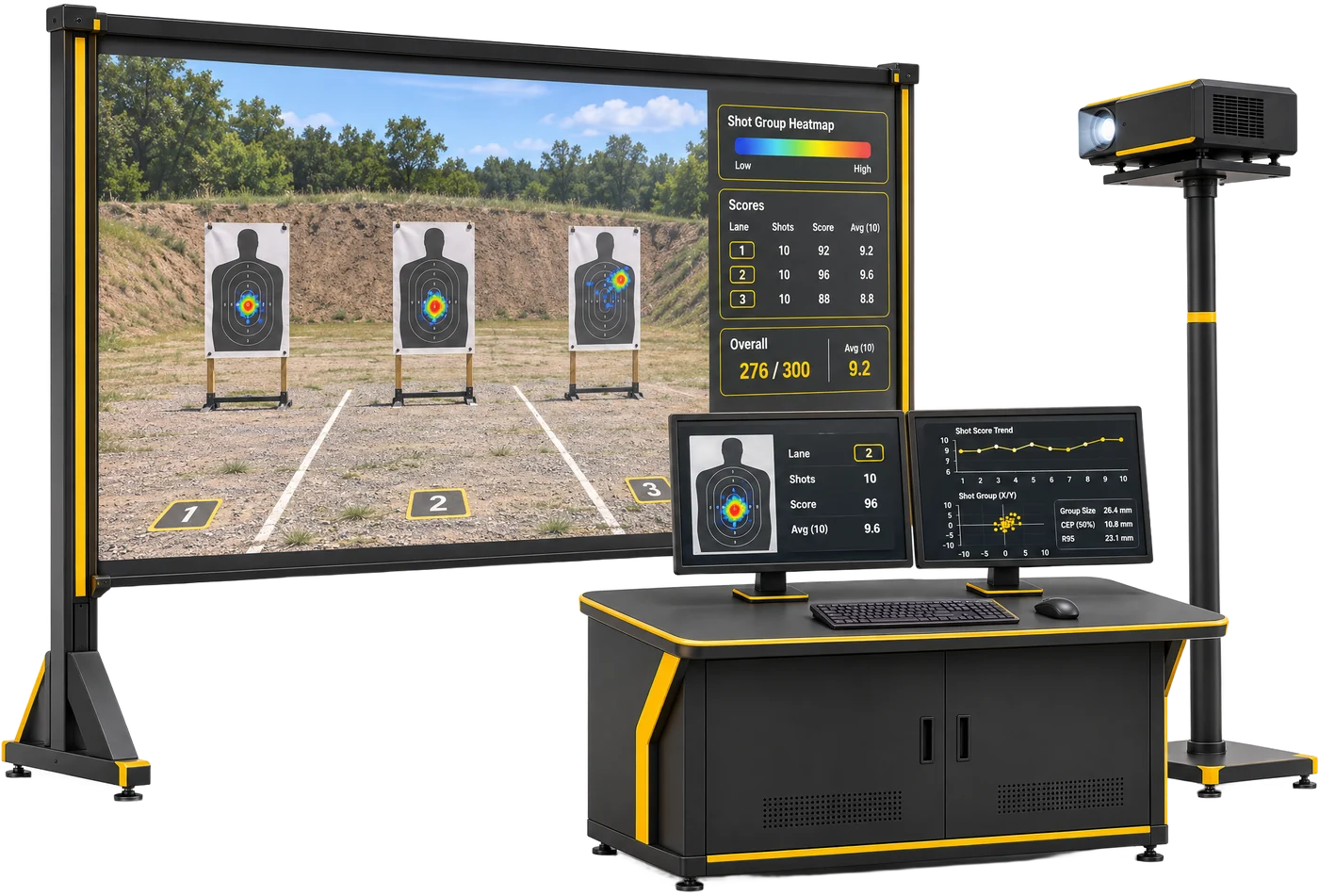
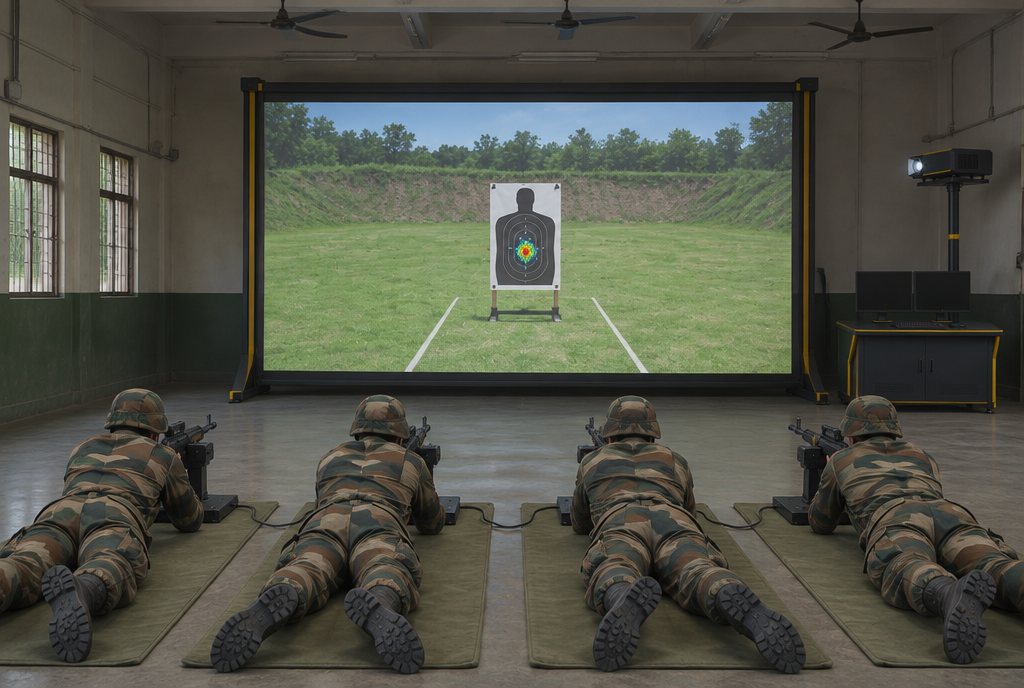
| Marksmanship and zeroing | Grouping, zeroing and fundamentals, with no live rounds | Shot-group heatmaps for every trainee |
| Shoot / no-shoot | Decision drills that test when to fire, not just how | Each decision, with trigger pressure and timing |
| Tactical scenarios | Scenario training for patrols and situations | A replay of the whole drill |
| Night and low-light | Scenario training in darkness and low light | The same analytics as by day |
A trainer that offers only marksmanship teaches people to hit what they aim at. Judgement drills teach them when to shoot at all, which matters as much for police as for soldiers.
Why recoil and real handling matter
Skills transfer best when the training weapon behaves like the real one. The Weapon Training Simulator uses recoil-enabled training replicas, configured to the weapons you train on: pistol, carbine, rifle or LMG.
In your requirement, list the weapons by type and the mix of trainees on each, so the trainer is configured to match.
What data should a simulator give instructors?
- Shot-group heatmaps, to see grouping and consistent errors at a glance.
- Trigger pressure, to catch a snatched or jerked trigger that pulls the shot off target.
- Timing, to measure how quickly each trainee engages and decides.
- After-action review, to replay each drill and debrief every trainee.
On a live range an instructor sees only where the round landed. On a simulator, the cause is visible too, which makes coaching faster.
When should you add combat simulation?
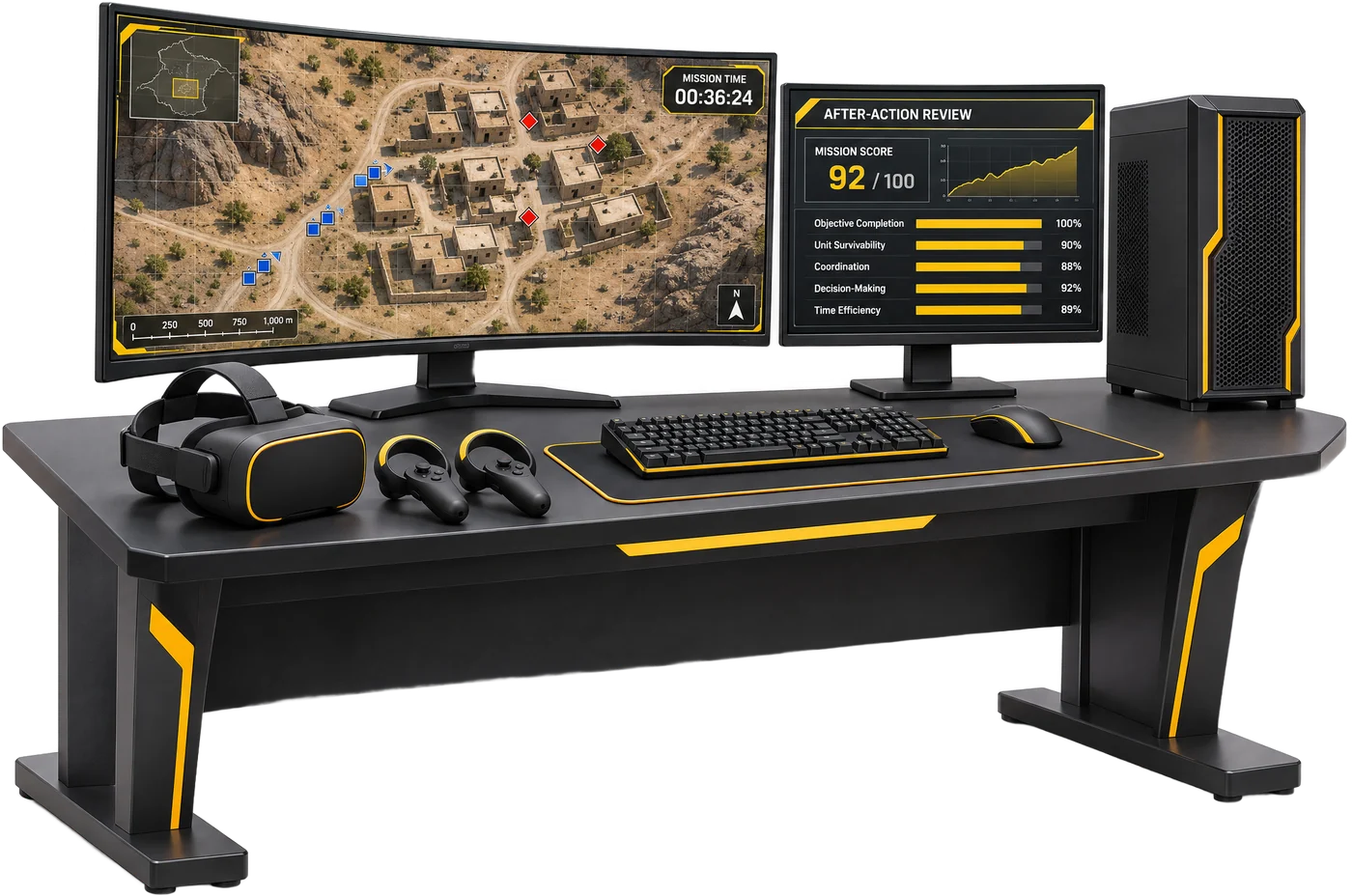
A weapon trainer builds individual shooting skill. Combat Simulation trains the drill around it: instructors build the field, set the enemy, run the drill on desktop or in VR, and score it on precision and accuracy for every trainee.
| Weapon Training Simulator | Combat Simulation | Live range | |
|---|---|---|---|
| Focus | Individual marksmanship and judgement | Section drills and scenarios | Live-fire qualification |
| Ammunition | None: recoil-enabled replicas | None: desktop or VR | Live rounds |
| Feedback | Heatmaps, trigger pressure, timing, after-action review | Precision and accuracy score per trainee, per drill | Hits sensed, shown and stored by range control |
| Best for | Fundamentals before the range | Tactics and decision-making | Proving the skill with live fire |
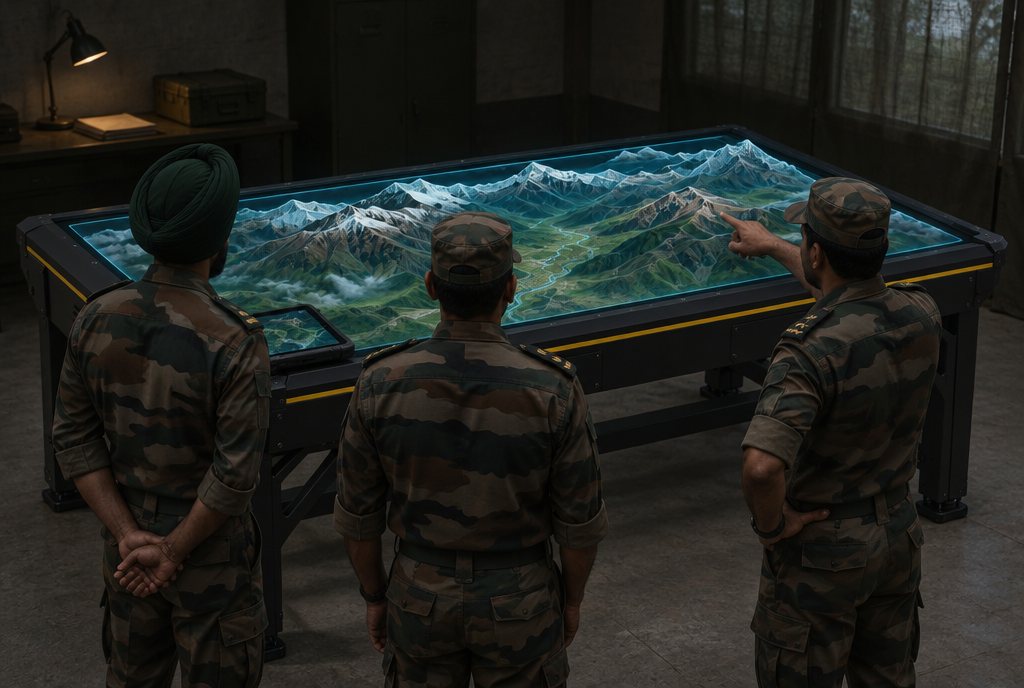
For terrain study and rehearsal of a real mission, see digital terrain for mission rehearsal.
How a simulator fits with a live range
- Simulator first. Fundamentals, zeroing practice and shoot / no-shoot drills, with data for every shot.
- Debrief. The instructor reviews heatmaps, trigger pressure and timing with each trainee.
- Live range. Trainees fire for qualification with the basics already practised.
- Back to the simulator for the faults the range revealed, and for night and scenario drills.
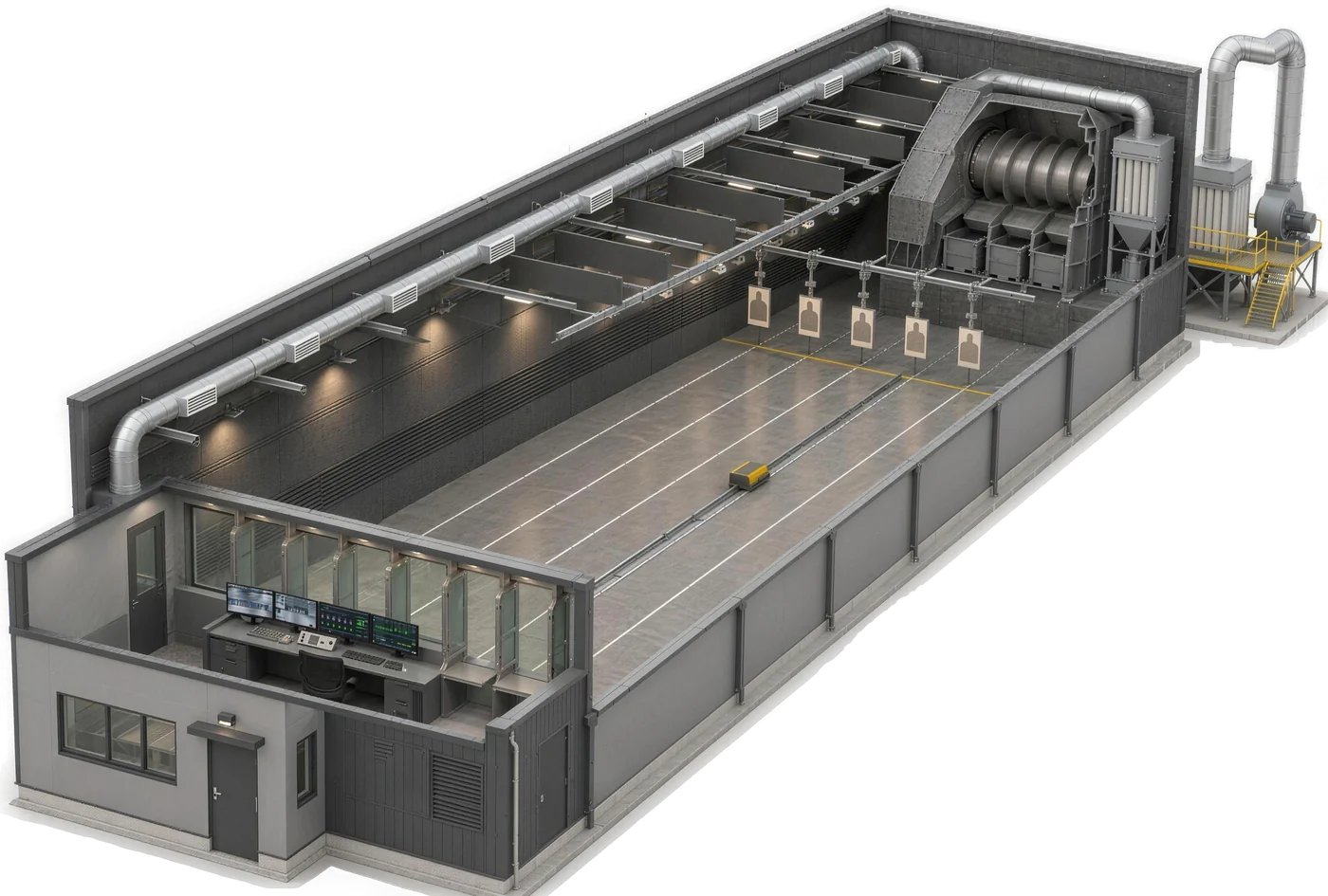
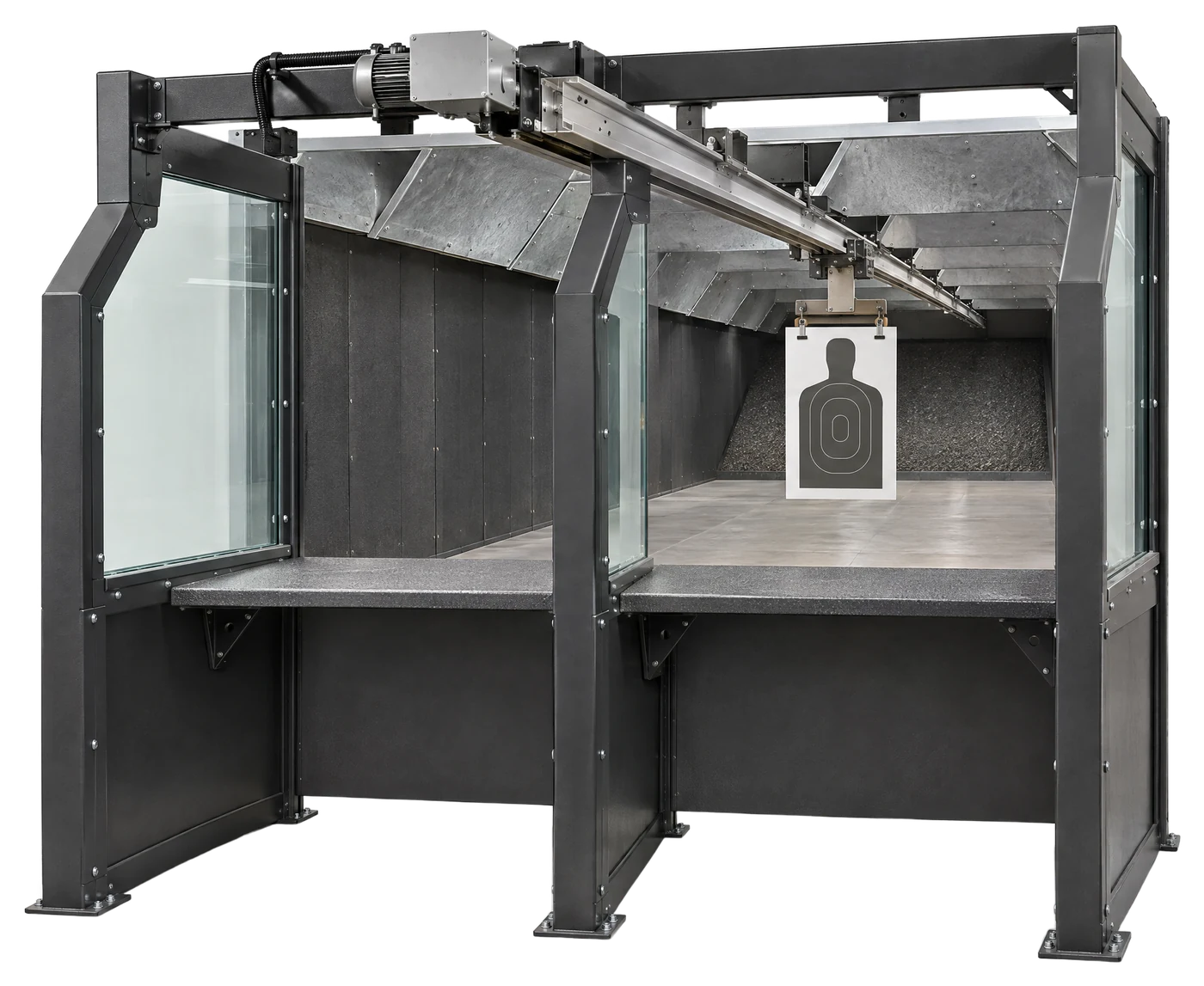
An indoor range runs 24/7 in any weather, close to where people work, and its pop-up and moving targets and range control carry the same reaction drills into live fire.
What to put in your QR
- Training modes: marksmanship, zeroing, shoot / no-shoot, tactical, night and low-light
- Weapon types and recoil-enabled replicas for each
- Shot analytics and after-action review
- Number of lanes and screen size for your training hall
- Instructor training, spares and support