Every unit that buys drones needs pilots who can fly them safely, and every crash in training costs an airframe, a payload and time. A flight simulator lets trainees make their first mistakes on a screen. It does not replace real flying, but it changes what the first real sortie looks like. This guide sets out what to train where.
What can a drone simulator teach?
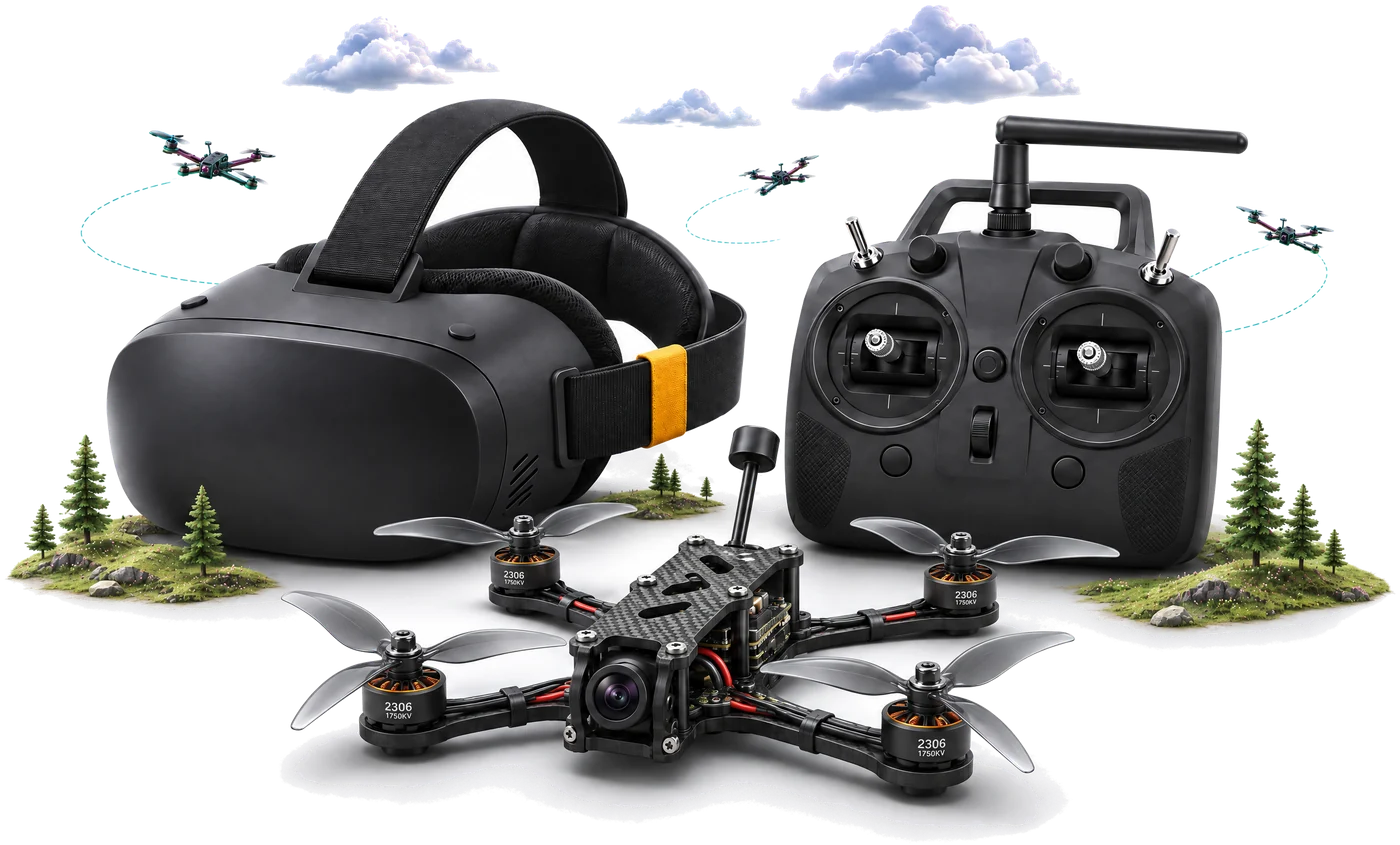
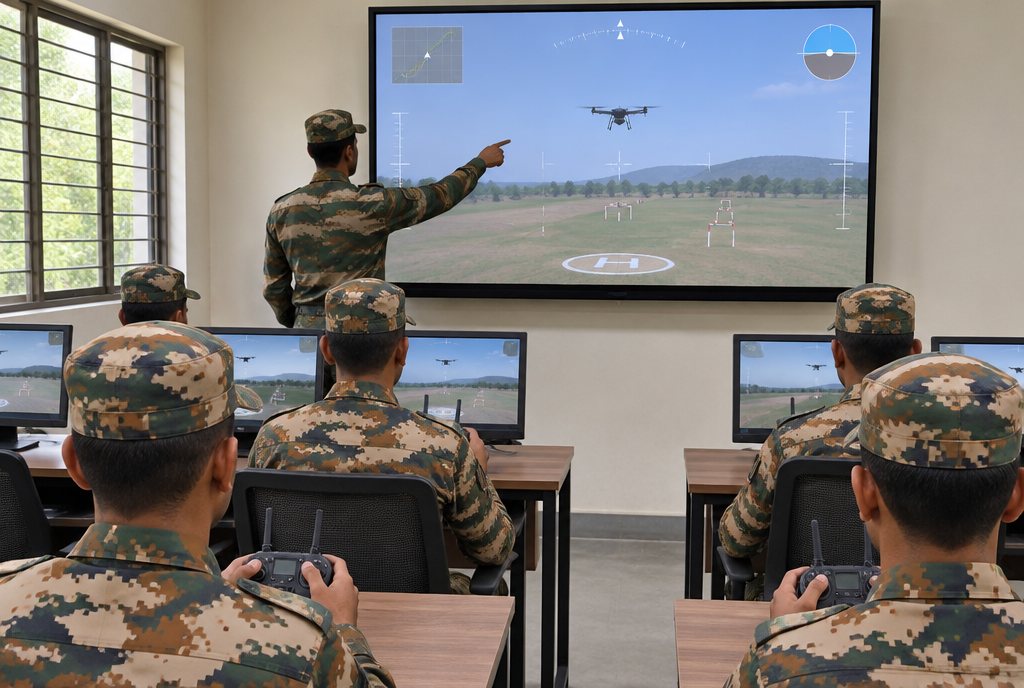
A simulator is the safe place to build the skills that crash aircraft when they are missing. On DroneSim, trainees fly with a real RadioMaster transmitter, so throttle, pitch, roll and yaw feel like a real radio, and every stick movement becomes drone response on screen.
- Stick skills: take-off, hover, circuits and landing, until they are automatic.
- Orientation: flying the drone towards you, sideways and away without losing track of which way is which.
- Wind handling: gusting wind up to 12 m/s, and ground effect close to the ground on landing.
- Precision: flying a race track of obstacles and checkpoints against the clock.
- Emergencies: practising the moments that go wrong, as often as needed, with no aircraft at risk.
Every run is scored on path precision, checkpoint splits, stability, battery efficiency and reaction time, with a letter grade and a leaderboard. Instant replay and one-tap retry make it quick to repeat a stage until it is right.
What still needs live flying?
A simulator cannot teach everything. Plan real sorties for the skills that depend on the real aircraft and the real world:
- Real weather, light and terrain, including night and low-light flying
- Operating real payloads and reading real sensor feeds
- Pre-flight checks, batteries, assembly and field maintenance
- Airspace procedures and the rules that apply to your unit. Check the current DGCA rules and your service's own regulations.
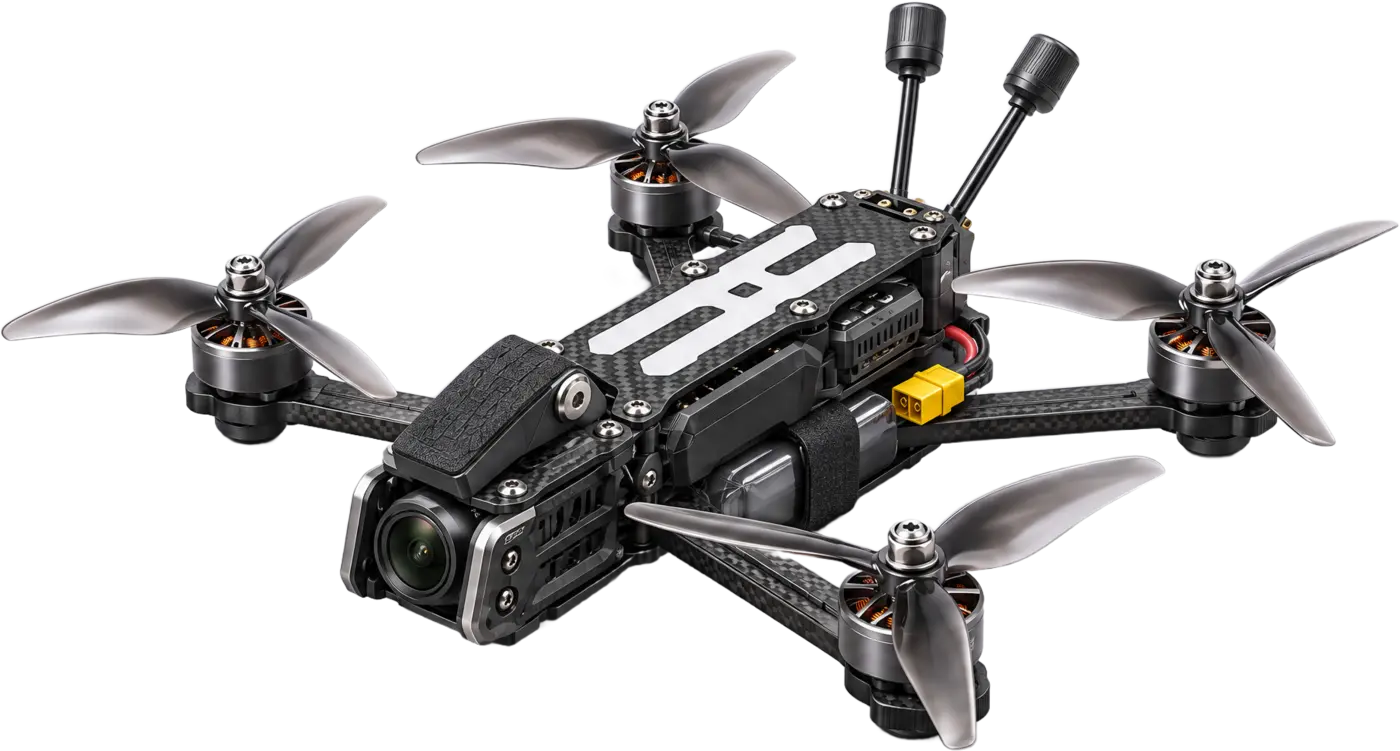
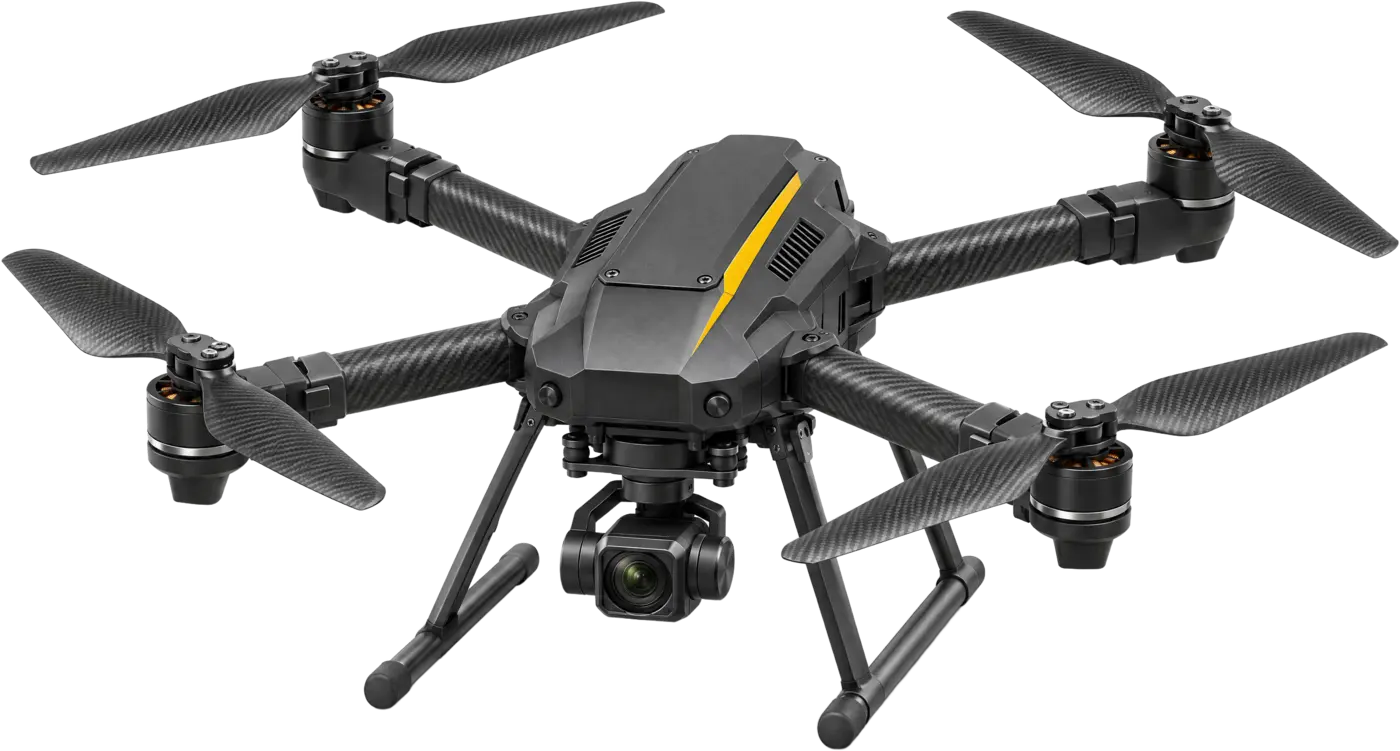
- The feel of the specific airframe you will fly, such as the Sky Strike FPV quad or an MQ multicopter
Simulator and live flying side by side
| Simulator (DroneSim) | Live flying | |
|---|---|---|
| Cost of a mistake | Reset and retry | A damaged airframe or payload, and lost training time |
| Weather | Wind field with gusts of 0–12 m/s, any time of day | Real weather, on flying days only |
| Repetition | Instant replay and one-tap retry from any stage | Limited by batteries, airspace and daylight |
| Measuring skill | Path precision, checkpoint splits, stability index, letter grade | Instructor observation and logbooks |
| Best for | Stick skills, orientation, emergencies, pursuit drills | Payloads, sensors, procedures, maintenance, night flying |
Which drone simulator suits army pilot training?
Look for a simulator that trains the same hands and habits a pilot will use on the real aircraft, and gives instructors a measure of progress.
- A real transmitter, ideally the same radio the unit flies, so stick skills carry straight over. DroneSim uses a RadioMaster transmitter; a gamepad or keyboard also works.
- A believable flight model: per-motor thrust, battery sag, drag, wind and ground effect.
- Structured stages and scoring, not just free flight, so instructors can set standards.
- Different handling profiles: DroneSim has Stable for beginners, Racer for precision and Combat for advanced pilots.
- Several drones in the air for pursuit and interception drills against enemy drones.
- Offline operation on local PCs, with VR as an option (DroneSim supports OpenXR headsets).
- A tender-ready hardware specification, written as minimum requirements so equivalent hardware can be offered.
| DroneSim package | What it adds | Suits |
|---|---|---|
| Open World | One drone in a free-flight world | First flights and free practice |
| Training Stages | Tutorial and race track with obstacles, plus the Racer drone | Structured courses |
| SkyWar Combat | Combat / dog-chase stage, several drones in the air, enemy drones and the Combat drone | Advanced pilots: pursuit and interception |
How to structure the programme
- Simulator basics. Hover, orientation and circuits on the Stable profile, scored, until trainees pass a set grade.
- Simulator stages. The tutorial and the race track build precision and confidence in wind.
- Indoor cage. First real flights in a netted cage, safe in any weather.
- Field sorties. Outdoor flying, payload operation and night flying on the unit's own drones.
- Stay current. Regular simulator practice keeps qualified pilots sharp between real sorties; advanced pilots move on to SkyWar Combat pursuit drills.
A training lab puts the simulator stations, the flying cage, trainer drones and repair benches together in one place, with a curriculum and instructor training.