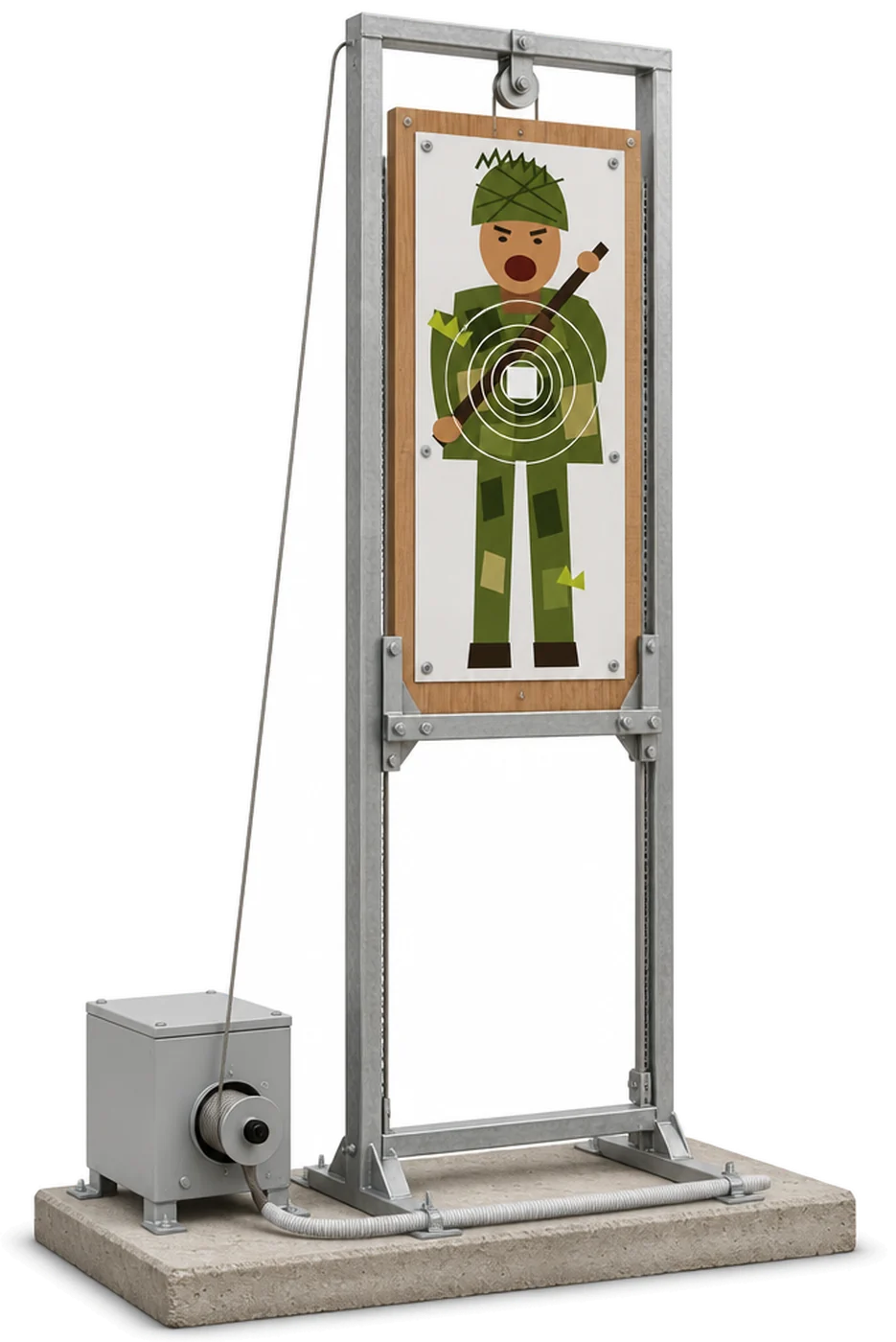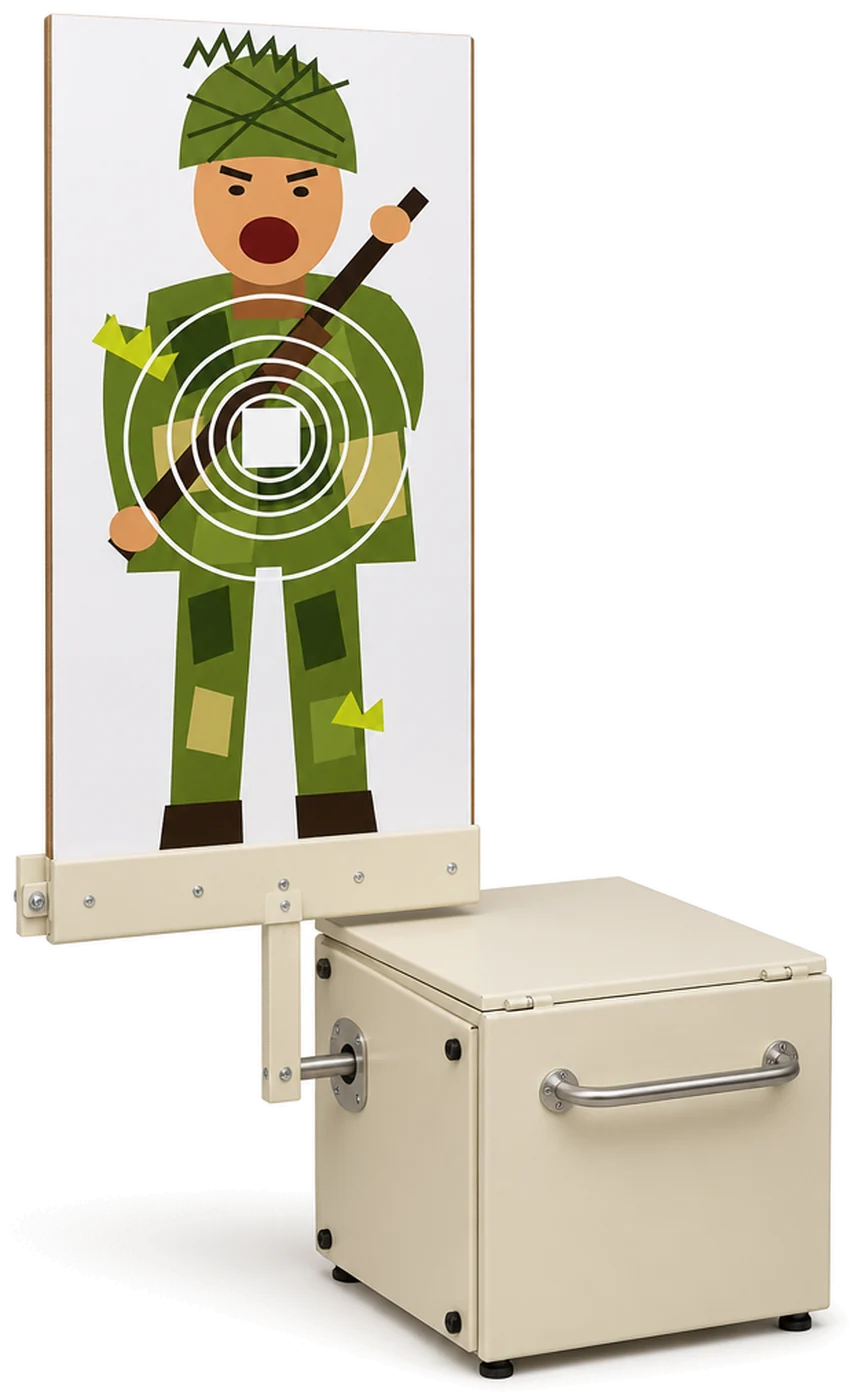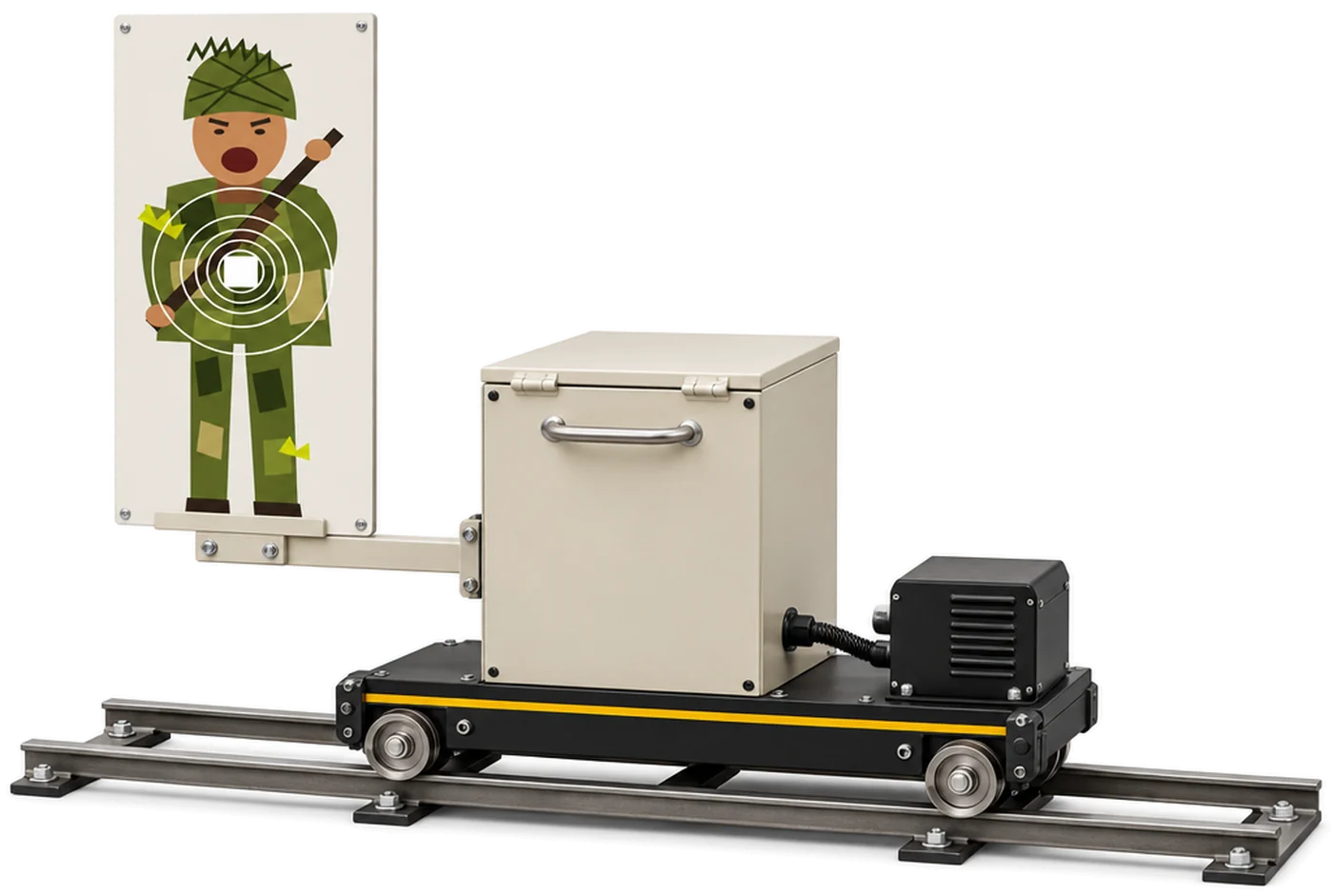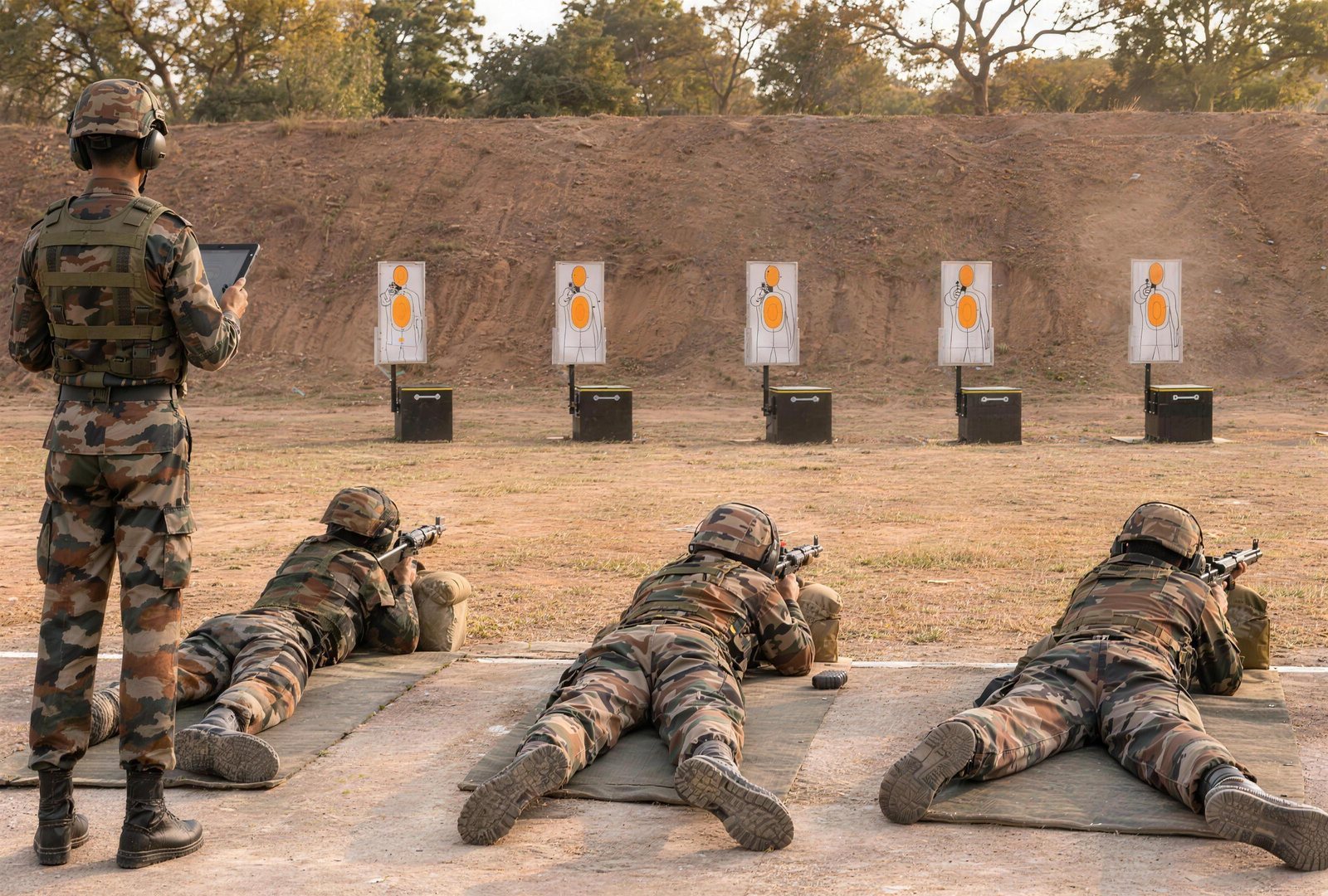
Fig 11 and Fig 12 are combat target faces that most Indian soldiers know from the range. This explainer covers what each one shows, how they differ, and what to check when you put them on automated targets. It does not replace your practice tables: distances, timings and scoring for each practice come from your own unit's orders.
What is a Fig 11 target?
Fig 11 is the full-figure combat target. It shows a whole soldier, from head to feet, in a charging posture, so the firer sees and engages the complete figure.
It is one of the standard faces for combat practices on Indian ranges, on paper sheets in the butts and on automated targets.
What is a Fig 12 target?
Fig 12 is the half-figure combat target. It shows only the upper half of the soldier figure: the head and upper body.
A range normally needs both faces, because different practices call for each. Which face, at what distance and for how long is set by your practice tables, not by the target maker.
Fig 11 vs Fig 12 at a glance
| Fig 11 | Fig 12 | |
|---|---|---|
| Also called | Full figure | Half figure |
| What it shows | A whole soldier figure, head to feet, charging | The upper half of the soldier figure |
| What the firer engages | The complete figure | Head and upper body only |
| Distances, timings and scoring | As laid down in your practice tables | As laid down in your practice tables |
| On Star INXS pop-up targets | Acrylic face on single- and multi-function targets | Acrylic face on single- and multi-function targets |
| On the moving target | Yes, on the multi-function box it carries | Yes, on the multi-function box it carries |
Terms such as butt gallery, slicing and hits before hide are explained in our glossary.
Where do Rubia and hostage faces fit in?
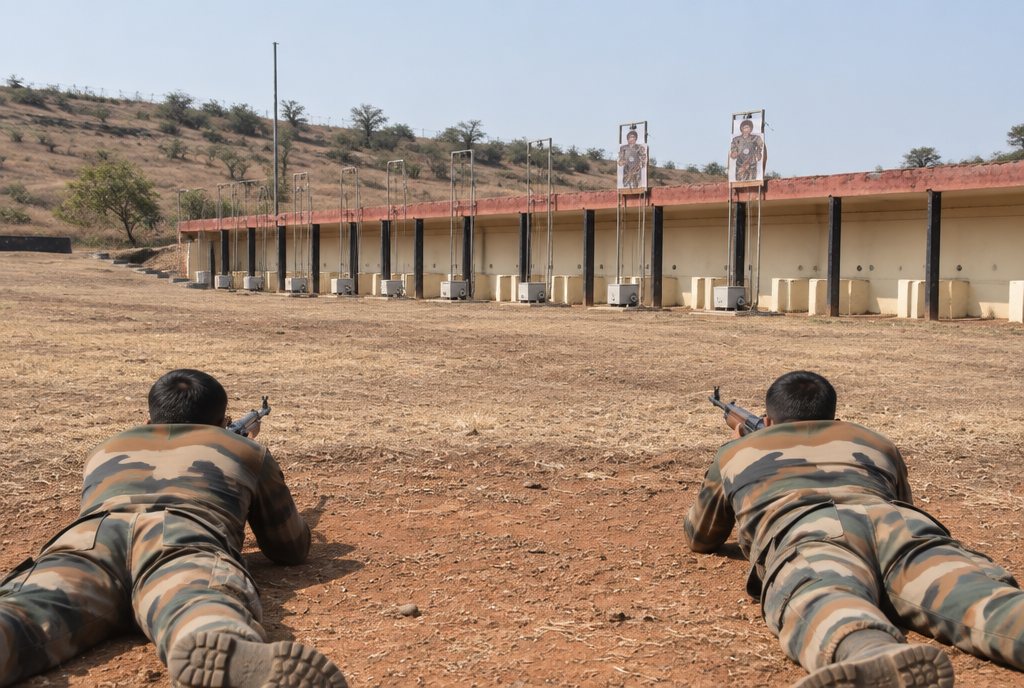
An Indian Army qualitative requirement for a firing range asks that the facility can hold all types of standard military targets currently in use, and names Fig 11, Fig 12 and Rubia. A new range, or a new target system for an old one, should therefore carry all three.
Hostage A / B faces are for judgement shooting: the firer has to decide whether to shoot, not just where. On the multi-function pop-up target they combine with programmable hits before hide for shoot / no-shoot drills.
How are Fig 11 and Fig 12 used on automated targets?
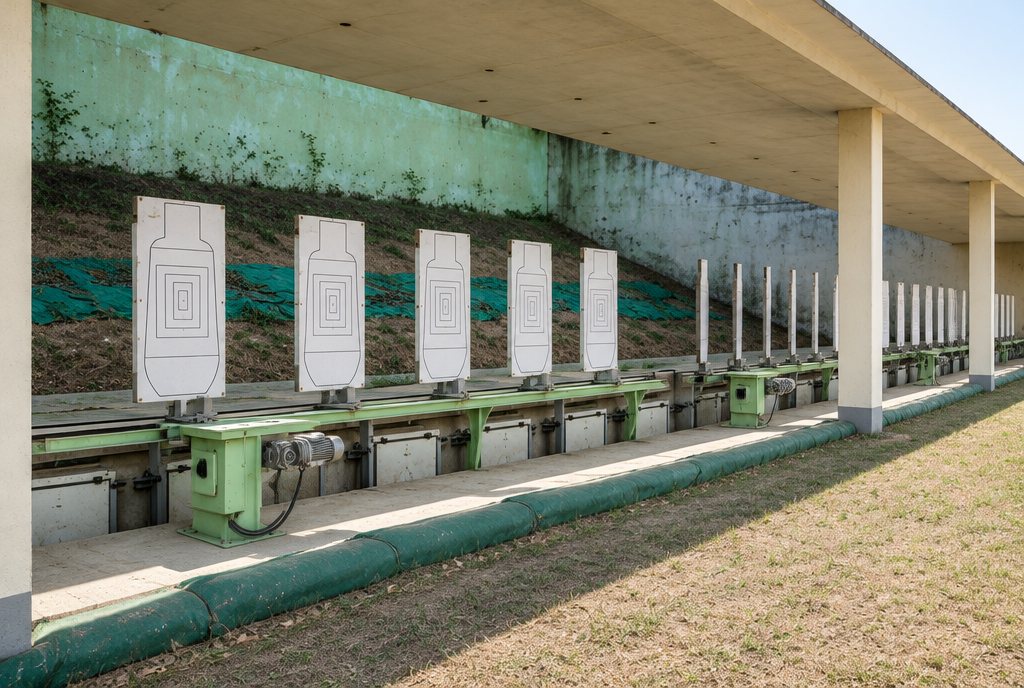
- Single-function pop-up target: Fig 11, Fig 12 or a custom face rises on twin guide rails in the butt gallery, and falls on a hit or when the exposure ends. See the single-function target.
- Multi-function pop-up target: the face pops up, slices edge-on or rotates, exposing or hiding in 2 seconds or less, with exposure programmable from 1 second to 2 minutes and a dimmable lamp for night firing.
- Moving target: the trolley carries the full multi-function box across the range, so a Fig 11 or Fig 12 face can pop up and turn while it moves. Thermal and night-vision reflective faces are available for night practice. See the Moving Target System.
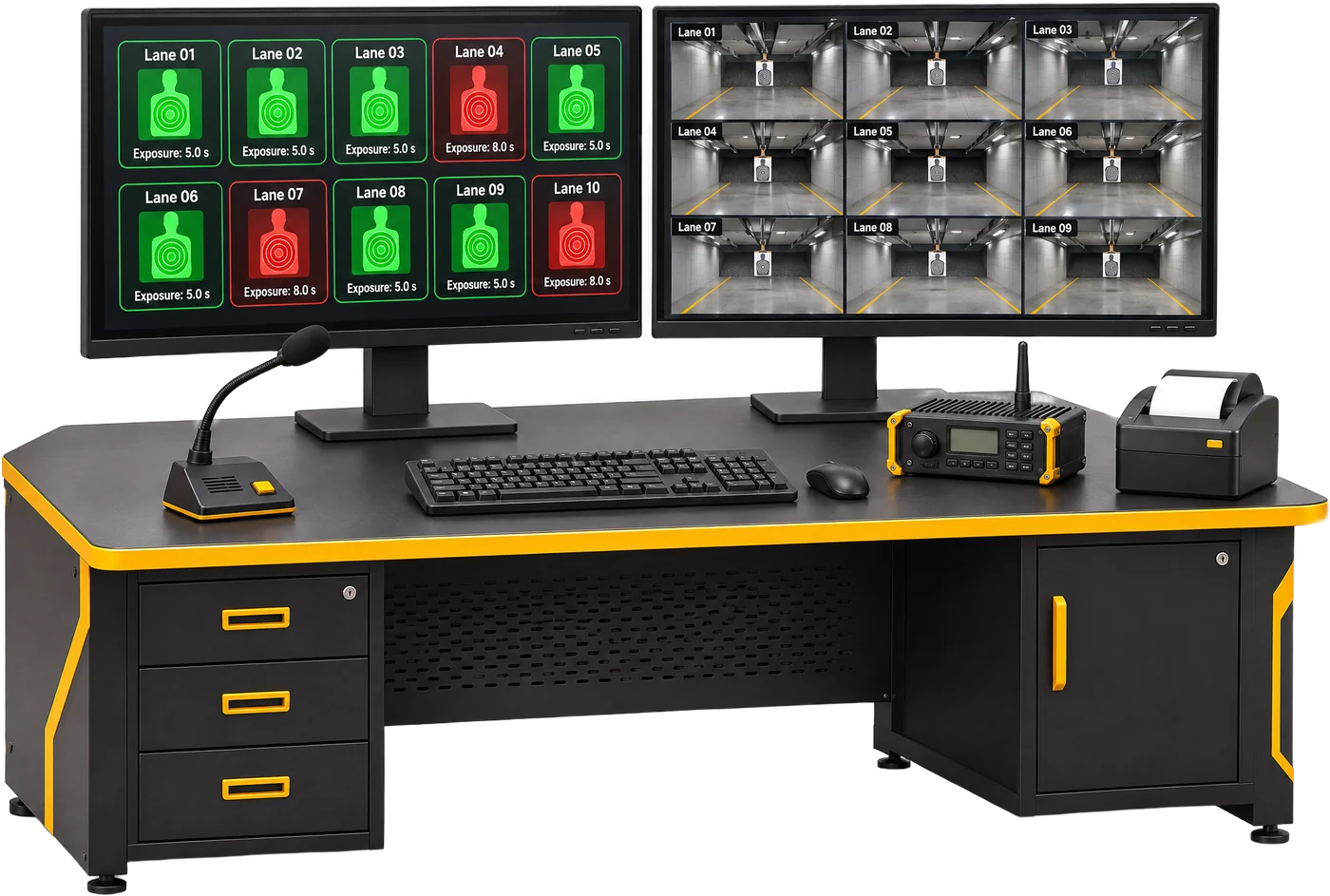
Our faces are printed on robust acrylic. The same remote, 8-channel console and range PC run every target type, so one exercise can mix Fig 11 and Fig 12 faces across lanes.
What to specify
- Every face your practice tables call for: Fig 11, Fig 12, Rubia, Hostage A / B or custom faces
- Face material and how faces are changed between details
- Exposure control: timed exposure, fall on hit or a set number of hits before hide
- Hit counting: an acoustic hit sensor that counts and stores hits
- Night practice: face illumination, or thermal and night-vision reflective faces on moving targets
- One range control for every target, with stored results for each firer