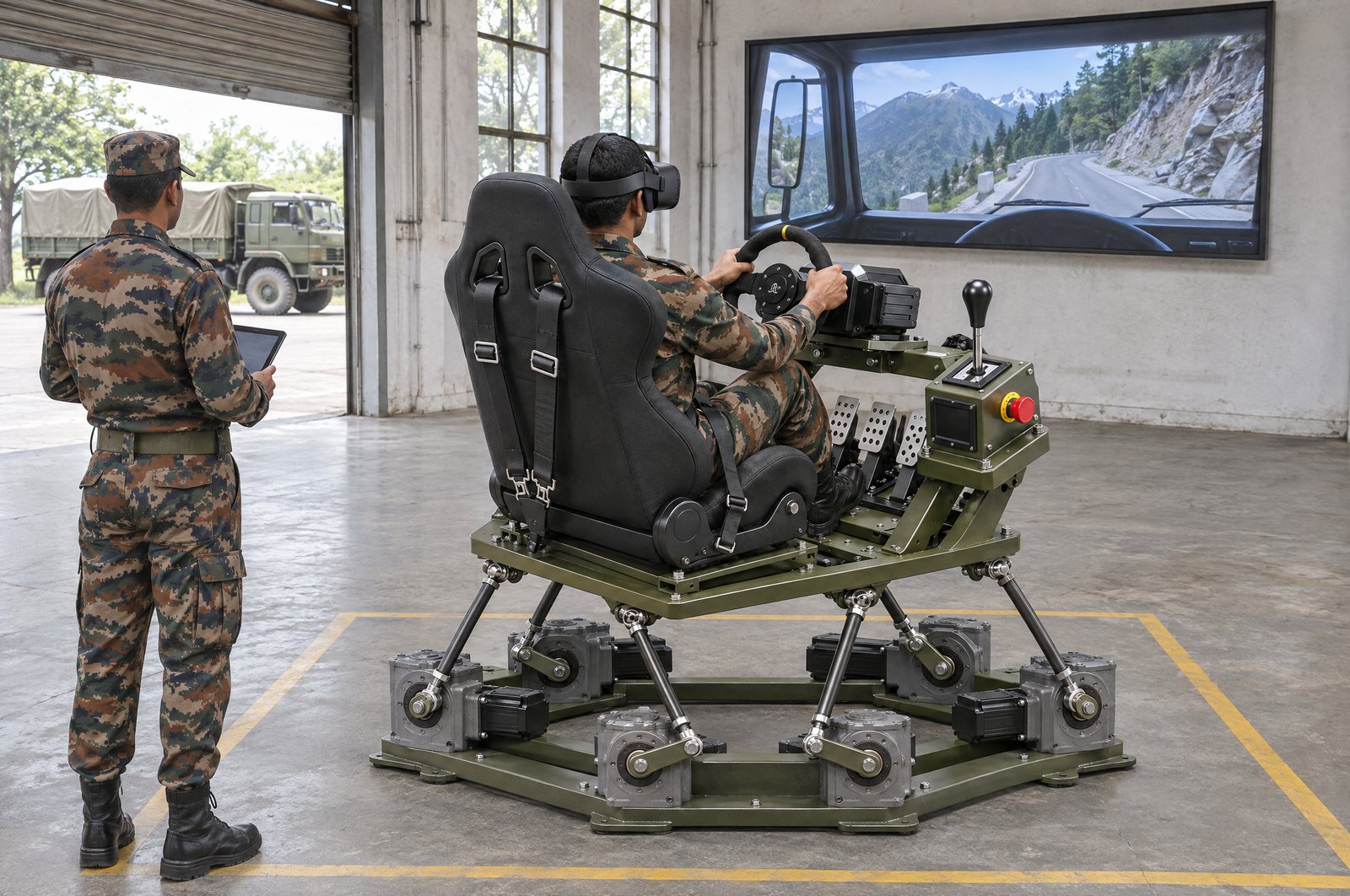
A simulator tender that lists only hardware brings bids that train nothing in particular. Start from the task the trainee must learn, then write the controls, the scenarios and the scores that prove it. This checklist covers drone, weapon, terrain, combat and driving simulators, with Star INXS simulators as examples.
What a good specification does
A good specification states what the trainee must be able to do after training. Write the tasks, the conditions and the scores to be recorded. Do not write a brand name, a game engine or a headset model unless you truly need it.
For each figure, say how it will be tested. Motion travel is measured on the platform. Scoring is checked by running a session and reading the report. The number of users is checked with all stations in use at once.
Figures to write into the specification
| Line item | What to ask for | Example: Star INXS simulators |
|---|---|---|
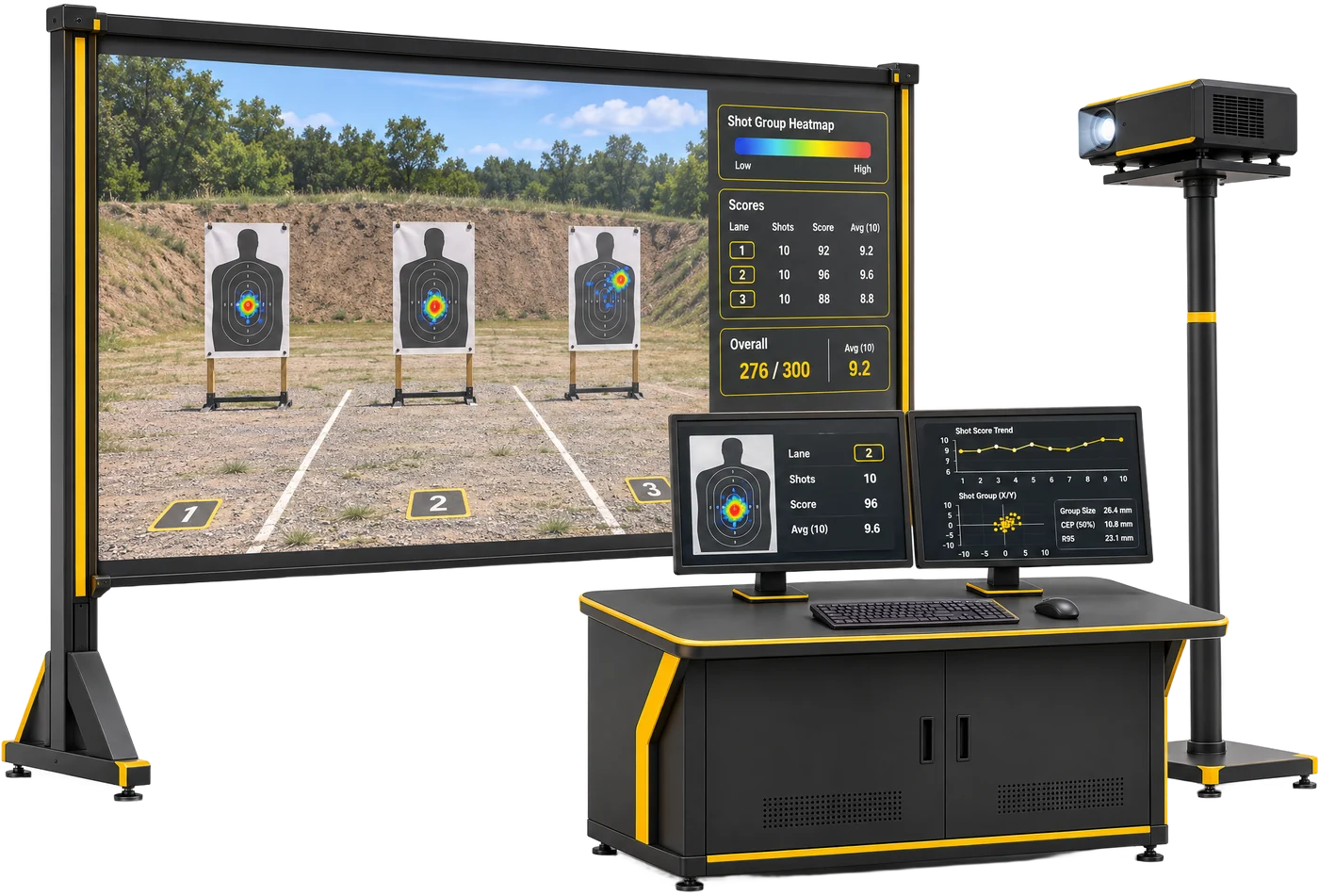
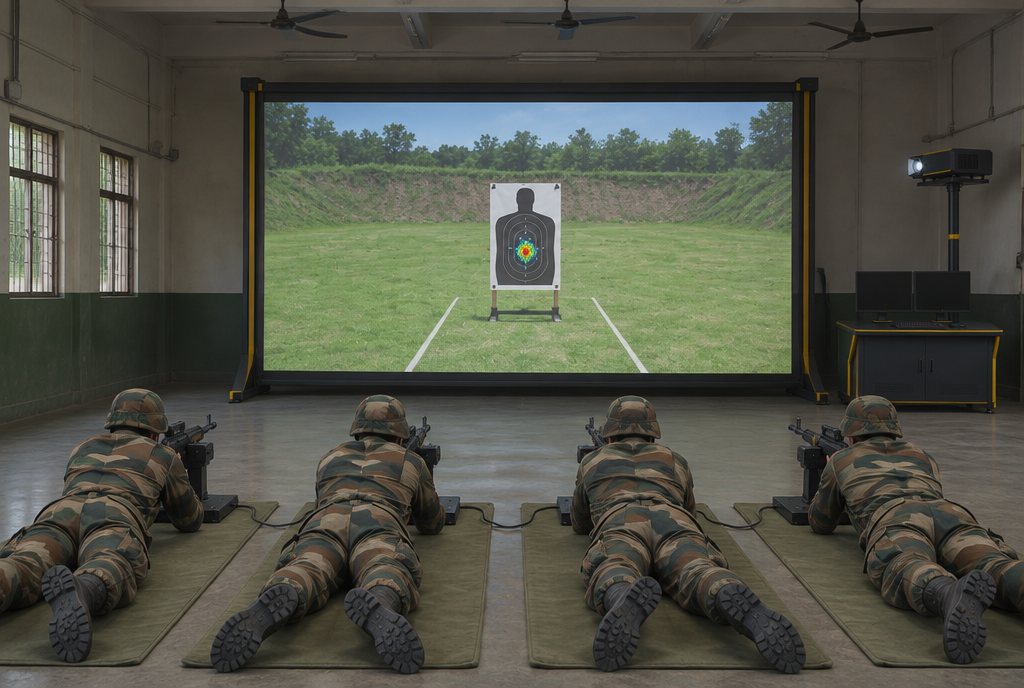
| Training tasks | The skills and drills to be trained | Weapon Training Simulator: marksmanship and zeroing, shoot / no-shoot, tactical scenarios, night and low-light |
| Trainee stations | Number of trainees trained at one time | Ask for it in the bid |
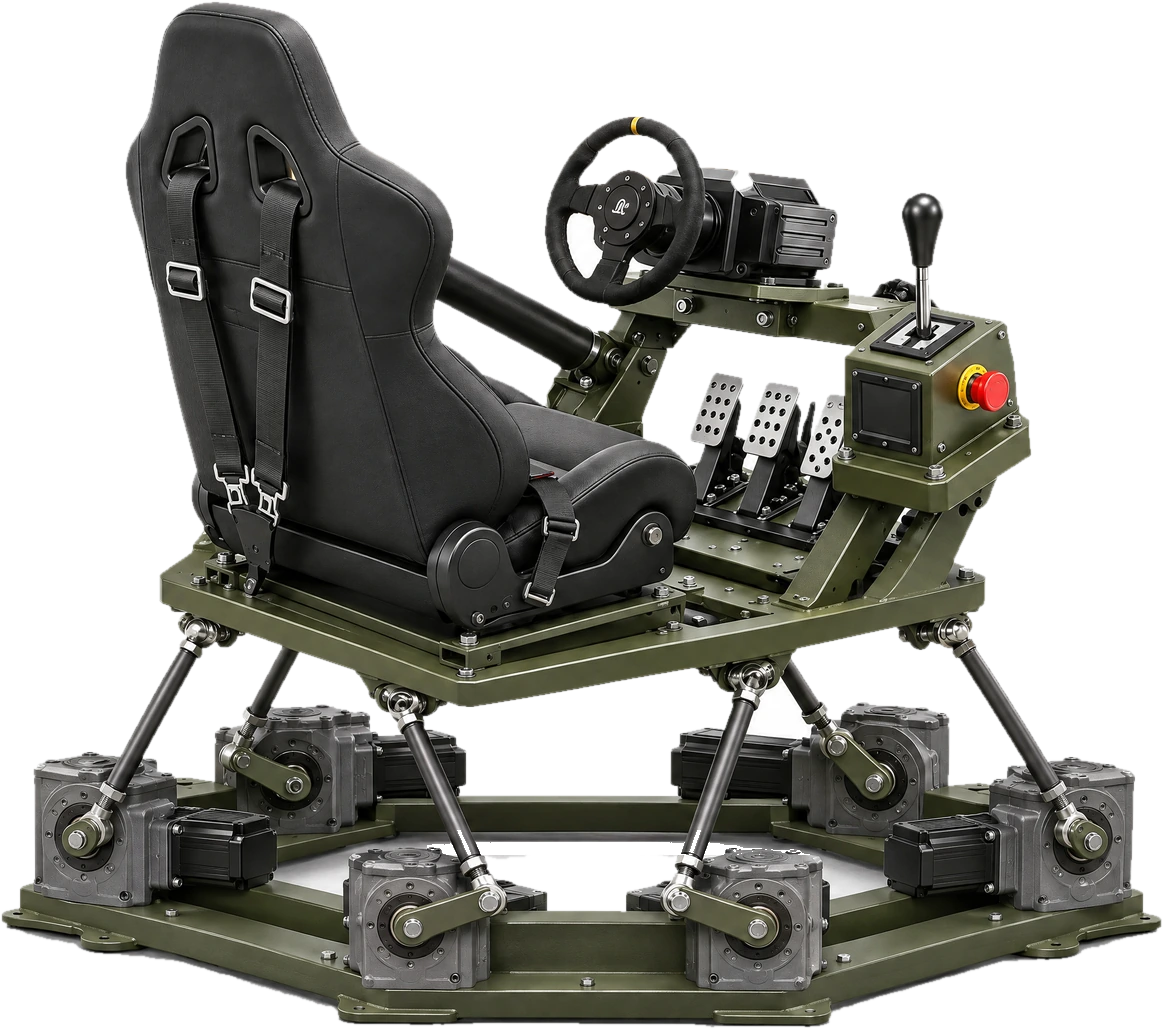
| Trainee controls | The physical controls or weapons the trainee handles | Heavy Vehicle Driver Simulator: heavy-truck seat with harness, oversized steering wheel, force-feedback pedals, gated manual gearbox. Weapon Training Simulator: recoil-enabled training replicas (pistol, carbine, rifle, LMG) |
| Motion platform | Degrees of freedom and travel on each axis | Heavy Vehicle Driver Simulator: 6-DOF; pitch ±25°, roll ±21°, yaw ±20°; heave ±150 mm, sway ±150 mm, surge ±175 mm |
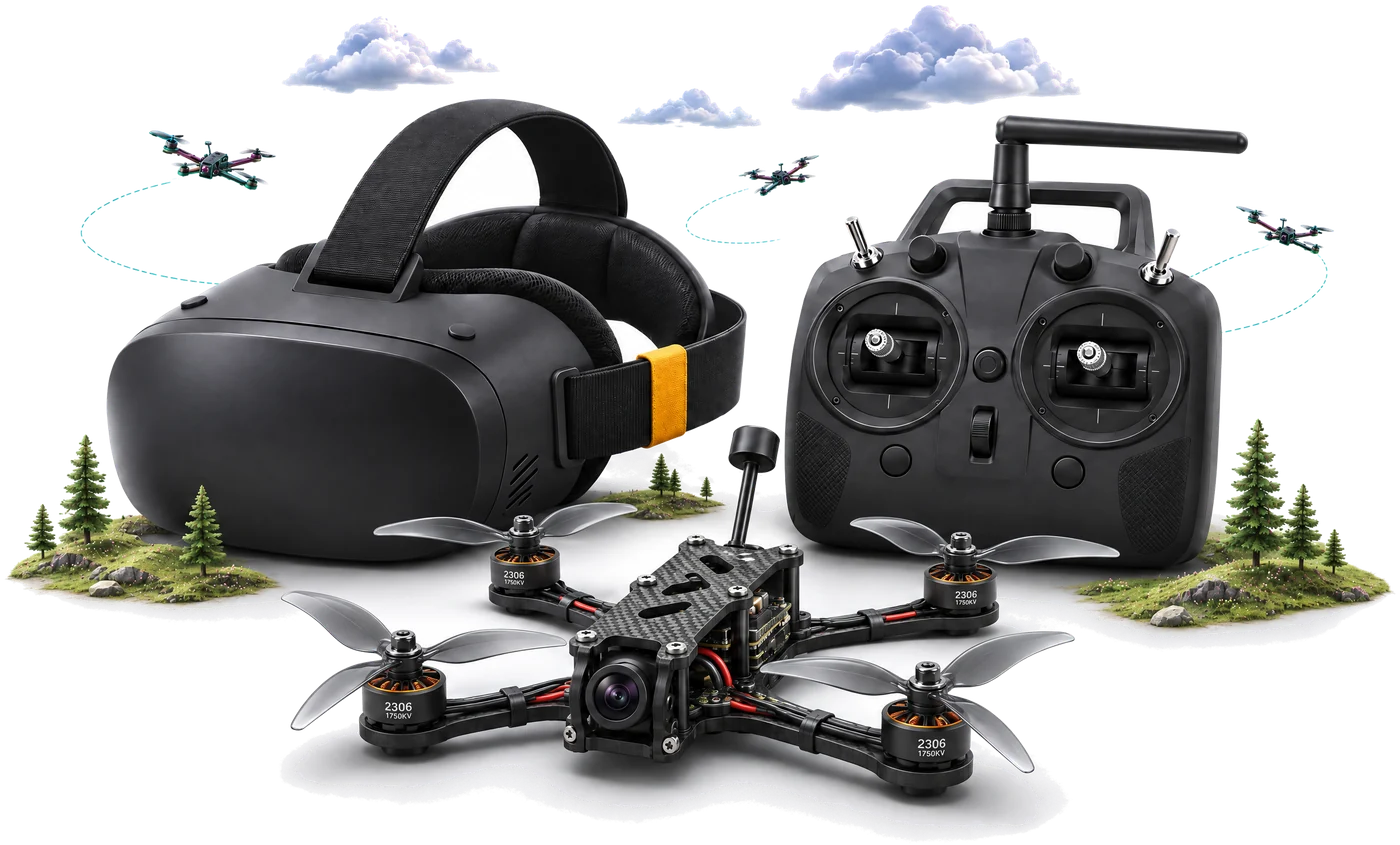
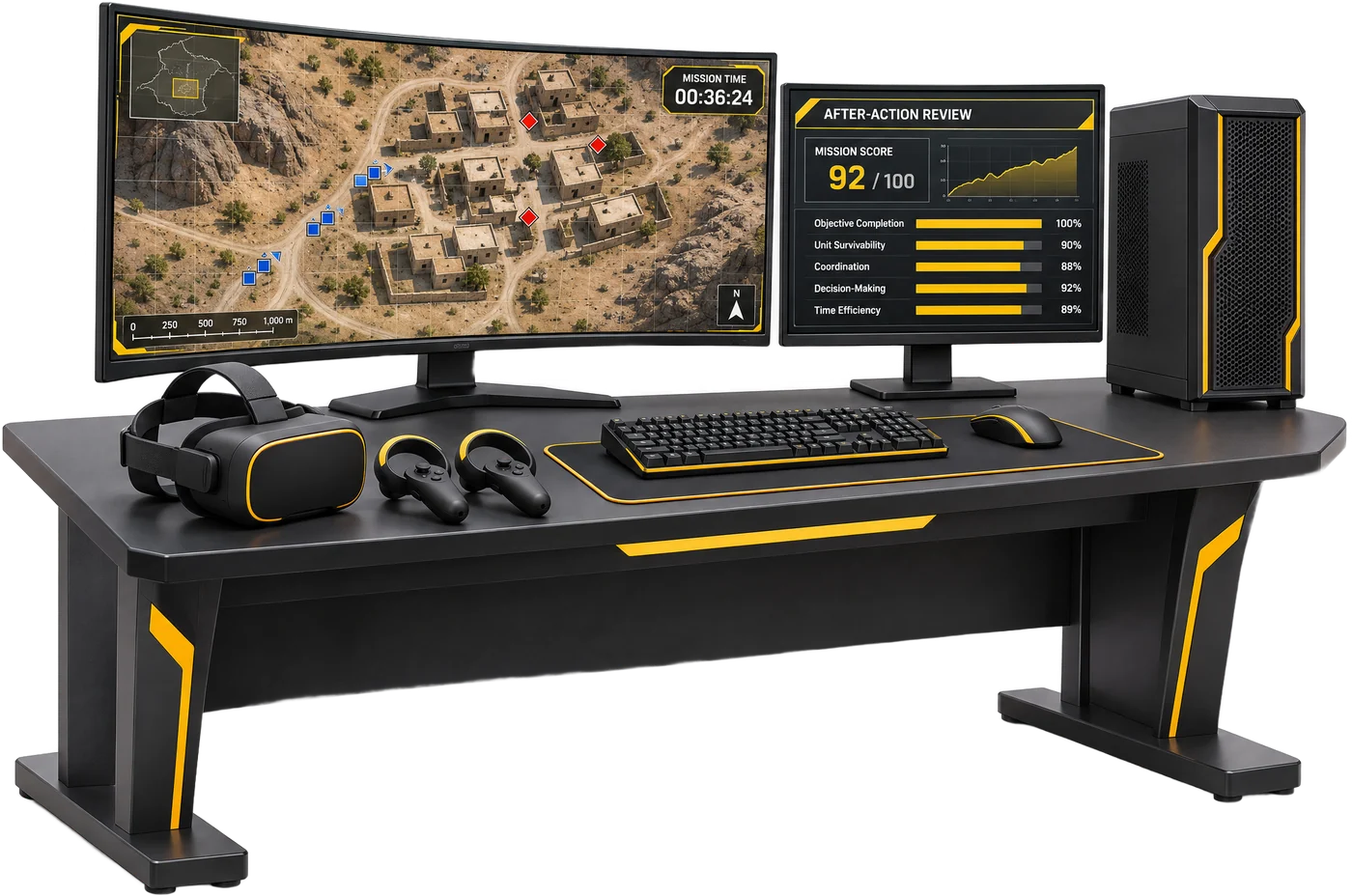
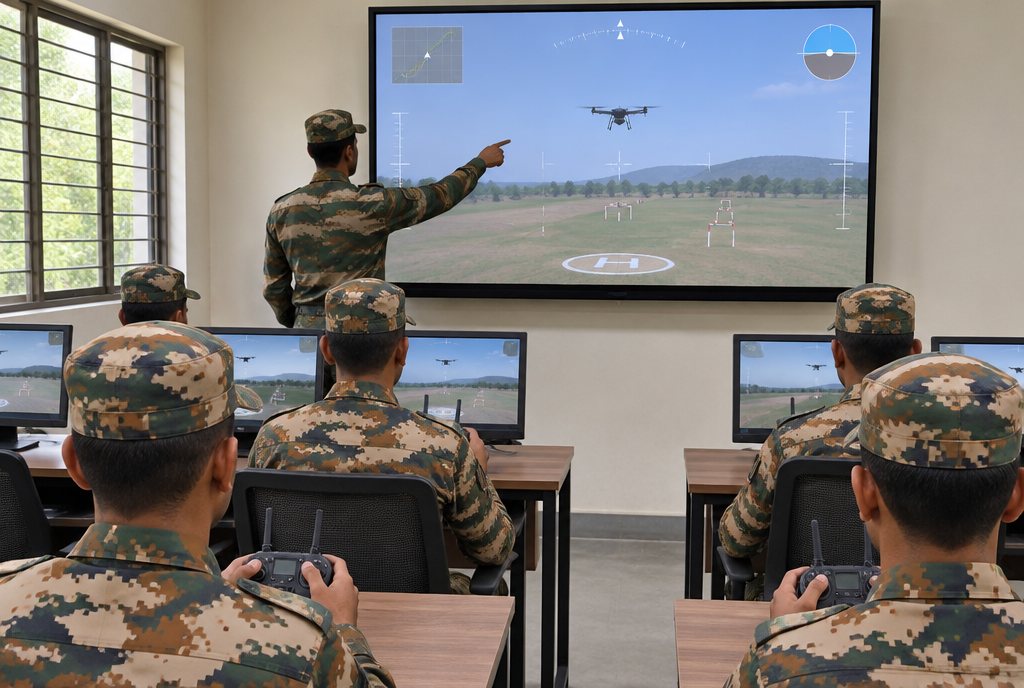
| Display | Screen, projection or VR, and what is standard | DroneSim: monitor (standard), OpenXR VR headset (option). Combat Simulation: desktop and VR |
| Physics | What the model must reproduce | DroneSim: rigid-body physics; per-motor thrust from RPM and prop pitch; battery sag; drag; wind field of 0-12 m/s gusts |
| Scenarios and environments | Terrain, weather and time of day | Heavy Vehicle Driver Simulator: highway, city and hill roads; clear, rain, snow and dust; day, evening and night |
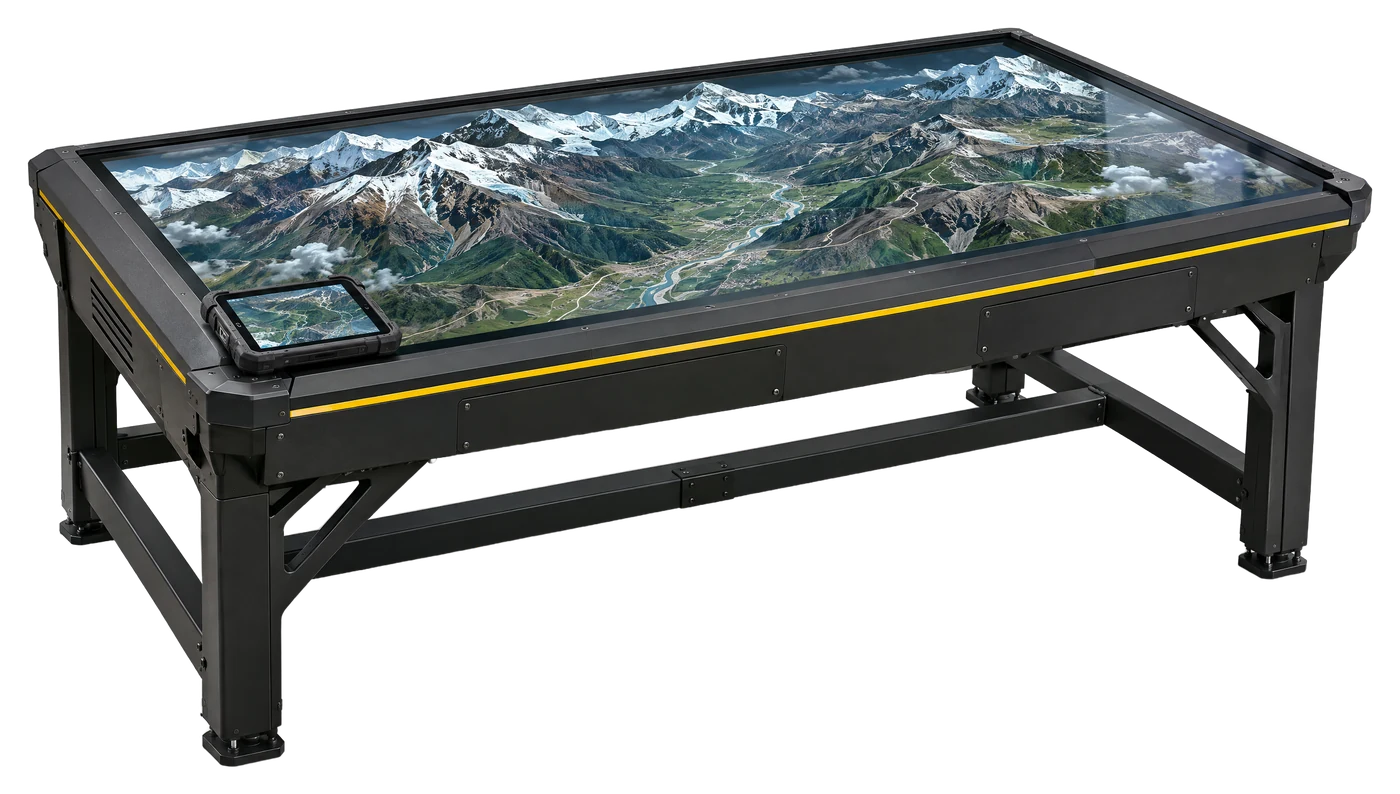
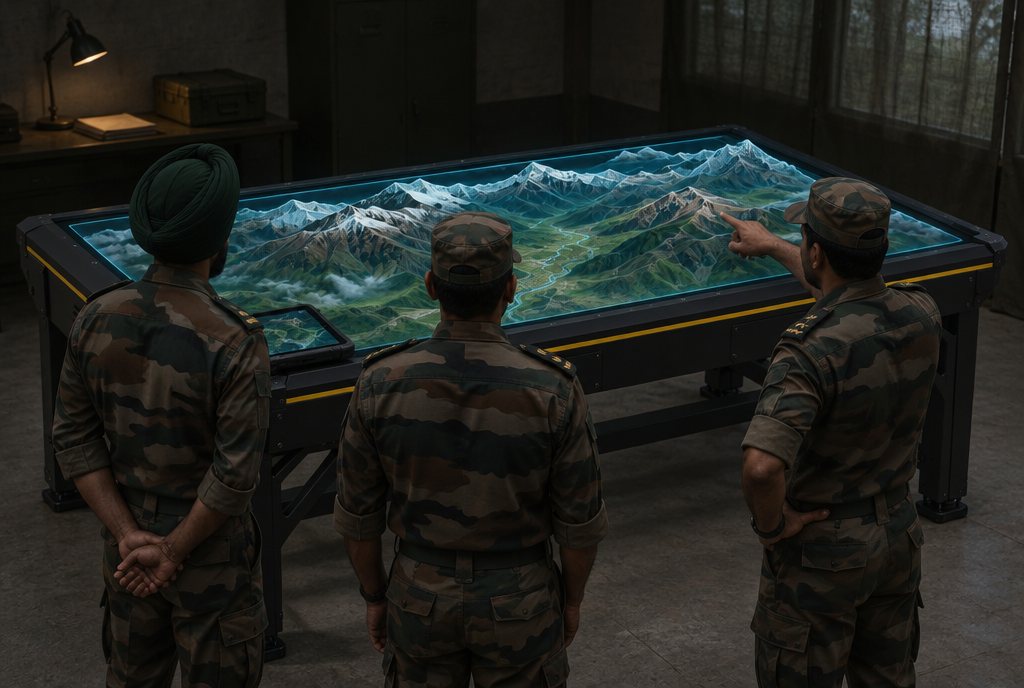
| Terrain data | How real terrain is brought in, and how fast | TACTERRA: GIS to walkable twin in under 4 h for a 50 × 50 km sector |
| Concurrent users | Users in one session | TACTERRA: 60-70 AR / VR users |
| Scoring | What is measured for each trainee | DroneSim: path precision, checkpoint splits, stability index, battery efficiency, reaction time, letter grade, leaderboard. Weapon Training Simulator: shot-group heatmap, trigger pressure, timing |
| Records and debrief | Trainee records and after-action review | Heavy Vehicle Driver Simulator: trainee registration and login, session records, post-drive debrief |
| Computer hardware | Minimum processor, memory, storage and graphics | DroneSim: Intel Core i5 or equivalent, 16 GB RAM, 128 GB SSD, NVIDIA GT 1030 4 GB or better |
| Network and data security | Whether the system must work with no internet | TACTERRA: 100% air-gapped; segmented network |
| Safety | Emergency stop on any moving platform | Heavy Vehicle Driver Simulator: hardware emergency stop that halts the platform |
Proof to ask every bidder for
- OEM authorisation if the bidder is not the manufacturer.
- Technical compliance statement that answers every line of your specification, line by line.
- Demonstration or trial. Let your own instructors run a full session and read the score report.
- ISO certificates for the manufacturer, with their scope and validity.
- Warranty and AMC terms in writing, including software updates and who holds the licences.
- Training plan for instructors and maintainers: who trains, how many people, and where.
- Spares list with controls, headsets and other parts that wear out.
- Make in India local-content declaration, as your tender requires.
Common mistakes
- Copying one vendor's brochure. Write the tasks and scores you need, not a product name.
- Listing hardware only. A computer and a screen are not a syllabus. State the training modules.
- Leaving out test conditions. Say how motion, scoring and the number of users will be checked.
- Forgetting the room. State the floor space, power and cooling you have.
- Forgetting training, spares and updates. Ask who trains the instructors and how software is kept current.
Next steps
For the full process see Buying through GeM and tenders. Our Tender & GeM desk provides OEM authorisations, technical compliance statements, detailed spec sheets and budgetary quotes for your requirement. To see the simulators, read the DroneSim, Weapon Training Simulator, TACTERRA, Combat Simulation and Heavy Vehicle Driver Simulator pages.